Skillrung

Cybersecurity: the fundamentals for protecting your work

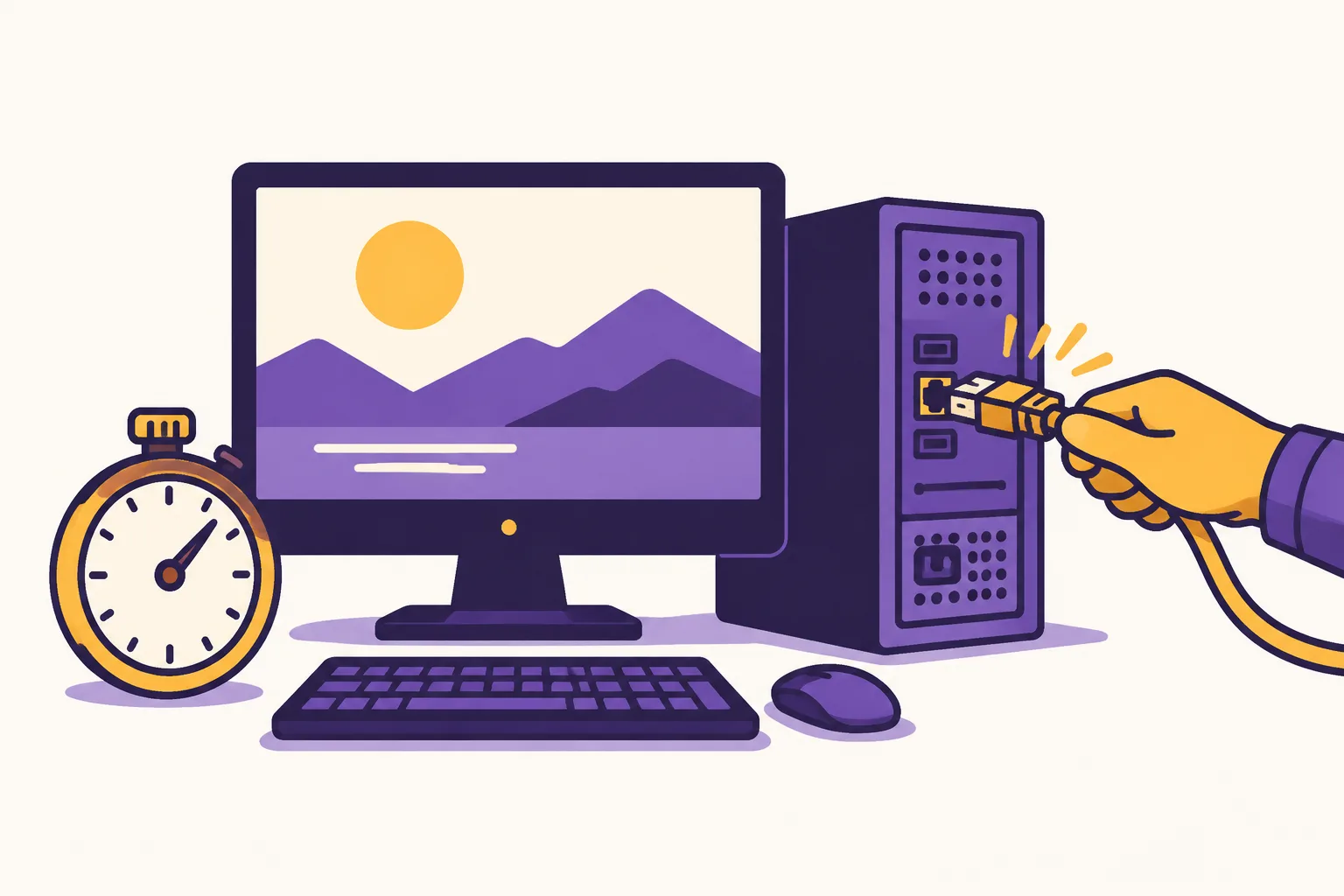
Cybersecurity at work comes down to five habits. Check the real sender and the real link before you click. Use a different passphrase for each service, stored in a password manager. Switch on a second factor for your email and your banking access. Install updates without delay and keep one backup unplugged. Finally, if in doubt or after an incident, isolate the device, do not switch it off and raise the alert immediately, never handling the situation alone.

  • Written by Équipe Skillrung
  • Relecture par un expert du domaine en cours
  • Updated on

What is this course about?

Spot and defeat the attacks aimed at your workstation, with concrete examples drawn from your own job.

This is a core course: the material taught is the same for everyone, only the examples, the tools mentioned and the people you deal with change with your job. It has 7 sections, of which 5 sections are followed by a quiz, and reads in 60-85 min. The legal framework cited is French law.

The first threat arrives by message, not through a security hole

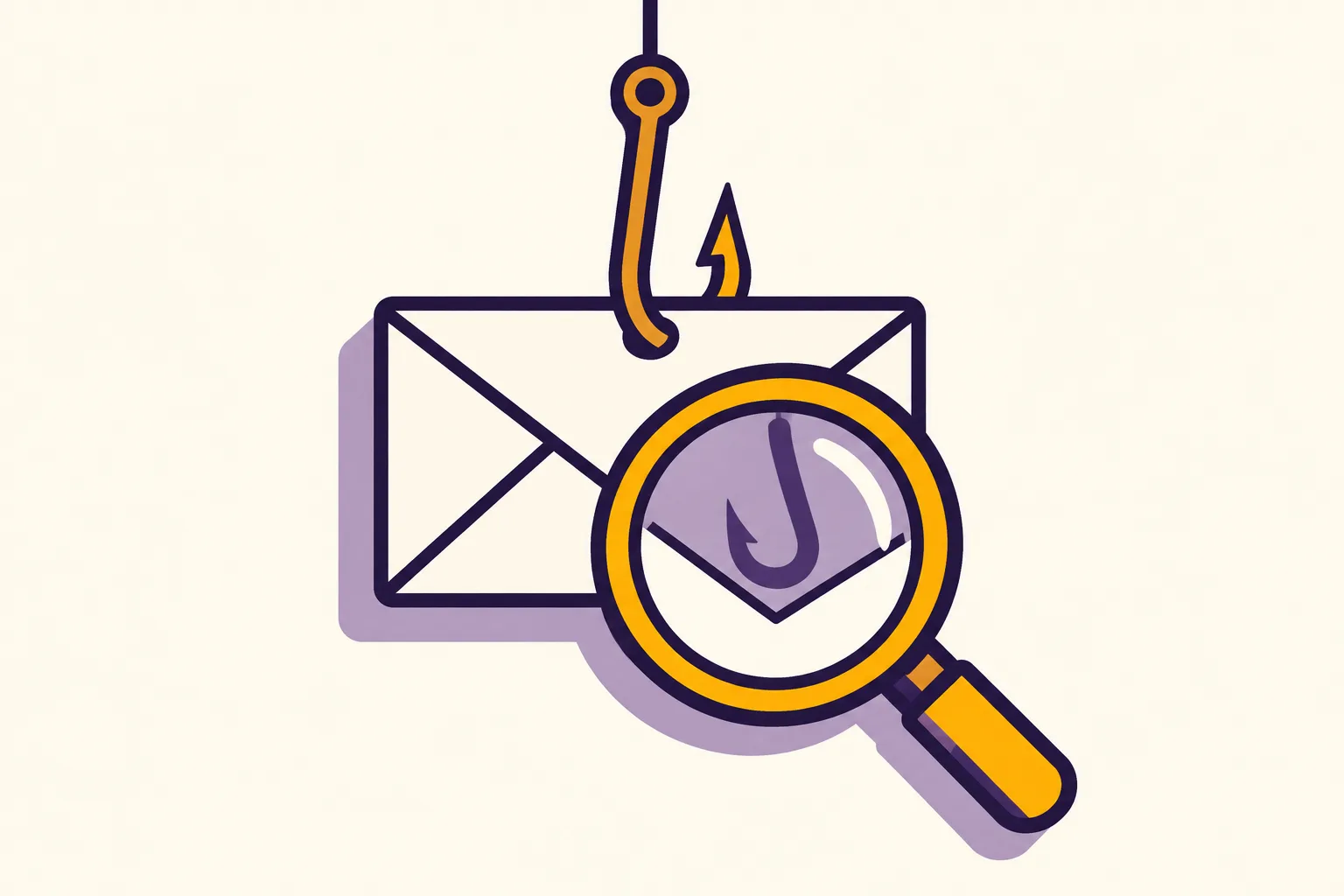
A message imitating your bank or a supplier lands in your inbox. In 2025, phishing was the leading threat reported to Cybermalveillance.gouv.fr, the French government's cyber-assistance service, across every type of victim, up 70%. This is not primarily an IT problem: it is a decision taken in a few seconds, between two tasks, in the everyday routine of your structure. Behind that click: your données personnelles, and that is exactly what this course teaches you to protect.

Key points

The three checks before you click

Run them on any message that asks you to act, whether it seems to come from your collègues et partenaires or from your logiciel métier.

  • The sender's real address, never the name displayed on screen
  • The link's real address, revealed by hovering or a long press
  • The nature of the request: urgency, money, credentials or an unexpected attachment
  • At the slightest doubt, check through another channel you already know

What you will be able to do

  • Assess your real exposure and learn the three checks to run before you click.
  • Name your sensitive data and understand who targets it and why.
  • Identify the signs of a fraudulent message and verify through another channel.
  • Build resistant passwords and switch on a second factor that actually helps.
  • Keep your devices up to date and have a backup you can actually restore.
  • Apply the five emergency reflexes and alert the right people in time.
  • Turn the course into five dated actions and measure your level.

The first 4 slides, free

What you read with no account and no card. Here, the generic version; in the player, the examples take the vocabulary of your job.

Try it, before you even create an account

Choisissez un métier : le passage ci-dessous se réécrit tout de suite. Rien n'est enregistré, et aucun contenu supplémentaire ne s'ouvre.

Aucun métier retenu : c’est la version générique qui s’affiche.

Version générique
A message imitating your bank or a supplier lands in your inbox. In 2025, phishing was the leading threat reported to Cybermalveillance.gouv.fr, the French government's cyber-assistance service, across every type of victim, up 70%. This is not primarily an IT problem: it is a decision taken in a few seconds, between two tasks, in the everyday routine of your structure. Behind that click: your données personnelles, and that is exactly what this course teaches you to protect.

Real extract from the free slide “The first threat arrives by message, not through a security hole” of this course.

  1. FreeSlide 1 of 41 · Why cybersecurity concerns you directly

    The first threat arrives by message, not through a security hole

    A message imitating your bank or a supplier lands in your inbox. In 2025, phishing was the leading threat reported to Cybermalveillance.gouv.fr, the French government's cyber-assistance service, across every type of victim, up 70%. This is not primarily an IT problem: it is a decision taken in a few seconds, between two tasks, in the everyday routine of your structure. Behind that click: your données personnelles, and that is exactly what this course teaches you to protect.

  2. FreeSlide 2 of 41 · Why cybersecurity concerns you directly

    What you will be able to do at the end

    • Spot a trap message in under thirty seconds
    • Protect your accounts with a passphrase and a second factor
    • React and raise the alert after an incident at your structure
  3. FreeSlide 3 of 41 · Why cybersecurity concerns you directly

    The three checks before you click

    Run them on any message that asks you to act, whether it seems to come from your collègues et partenaires or from your logiciel métier.

    • The sender's real address, never the name displayed on screen
    • The link's real address, revealed by hovering or a long press
    • The nature of the request: urgency, money, credentials or an unexpected attachment
    • At the slightest doubt, check through another channel you already know
  4. FreeSlide 4 of 41 · Why cybersecurity concerns you directly

    Where do you stand?

    Three questions to place your level: email, passwords and backups at your structure, not theoretical knowledge.

    3 short questions, marked immediately, inside the course.

These 4 slides can be read in the player, with no account and no card.

Read the first slide

Programme

7 sections, 41 slides and 8 quizzes in total. Each content section ends with a quiz that checks it has been learned.

  1. IntroductionGratuit

    Why cybersecurity concerns you directly

    Assess your real exposure and learn the three checks to run before you click.

    • 4 slides
  2. SectionAbonnés

    What you really have to protect

    Name your sensitive data and understand who targets it and why.

    • 6 slides
    • Quiz de section : 5 questions
  3. SectionAbonnés

    Spotting a malicious message

    Identify the signs of a fraudulent message and verify through another channel.

    • 7 slides
    • Quiz de section : 5 questions
  4. SectionAbonnés

    Passwords and strong authentication

    Build resistant passwords and switch on a second factor that actually helps.

    • 7 slides
    • Quiz de section : 5 questions
  5. SectionAbonnés

    Devices, updates and backups

    Keep your devices up to date and have a backup you can actually restore.

    • 7 slides
    • Quiz de section : 5 questions
  6. SectionAbonnés

    Responding to an incident

    Apply the five emergency reflexes and alert the right people in time.

    • 7 slides
    • Quiz de section : 5 questions
  7. RécapitulatifAbonnés

    Your action plan

    Turn the course into five dated actions and measure your level.

    • 3 slides

37 slides sont réservées aux abonnés

Les quatre premières slides de cette formation se lisent sans compte et sans carte bancaire. À partir de la cinquième, l'abonnement à 29,99 € TTC/mois est nécessaire. Le quiz de niveau Découverte, lui, reste gratuit : il mesure votre niveau sans rien vous demander.

How your level is measured

  • Beginner
    Questions drawn
    10
    Pass mark
    70 %
    Question bank
    30
    Time limit
    20 min

    Free, no account and no subscription.

  • Intermediate
    Questions drawn
    12
    Pass mark
    75 %
    Question bank
    36
    Time limit
    24 min

    Subscribers only, once the Beginner level is passed.

  • Expert
    Questions drawn
    15
    Pass mark
    80 %
    Question bank
    45
    Time limit
    30 min

    Subscribers only, once the Intermediate level is passed.

The level shown for a course is the highest level you have passed, with your best score and its date. Questions are drawn at random on every attempt. Play the Beginner quiz for this course or read how we measure your level.

Which jobs is it for?

Common core: the examples change with your job, what is taught stays the same. It addresses all 45 jobs in the directory. See courses by job.

Frequently asked questions

Do I need technical knowledge to take this course?

No. Everything is explained through everyday actions: reading a message, choosing a password, plugging in a USB stick, calling the right person. No command line, no setting reserved for an IT department. The examples adapt to the job you indicate.

My organisation is very small: am I really a target?

Yes. The vast majority of attacks target no one in particular: they cast a wide net and exploit whatever opens. A small organisation is often even more exposed, for lack of an IT department and a verified backup. The habits taught here cost nothing and close most of the doors.

Is a password manager really safer than a notebook?

Yes, for a simple reason: it lets you have a different, long password on every service without having to remember it. The risk with a notebook is not that someone reads it; it is that it pushes you to reuse the same password everywhere, which turns a single leak into a general compromise.

What should I do if I have already clicked on a suspicious link?

Do not keep the information to yourself. If you entered a password, change it immediately on the service concerned and everywhere it was reused, then switch on a second factor. Then tell your manager or your IT provider, even if nothing seems to have happened.

Should I pay a ransom to get my files back?

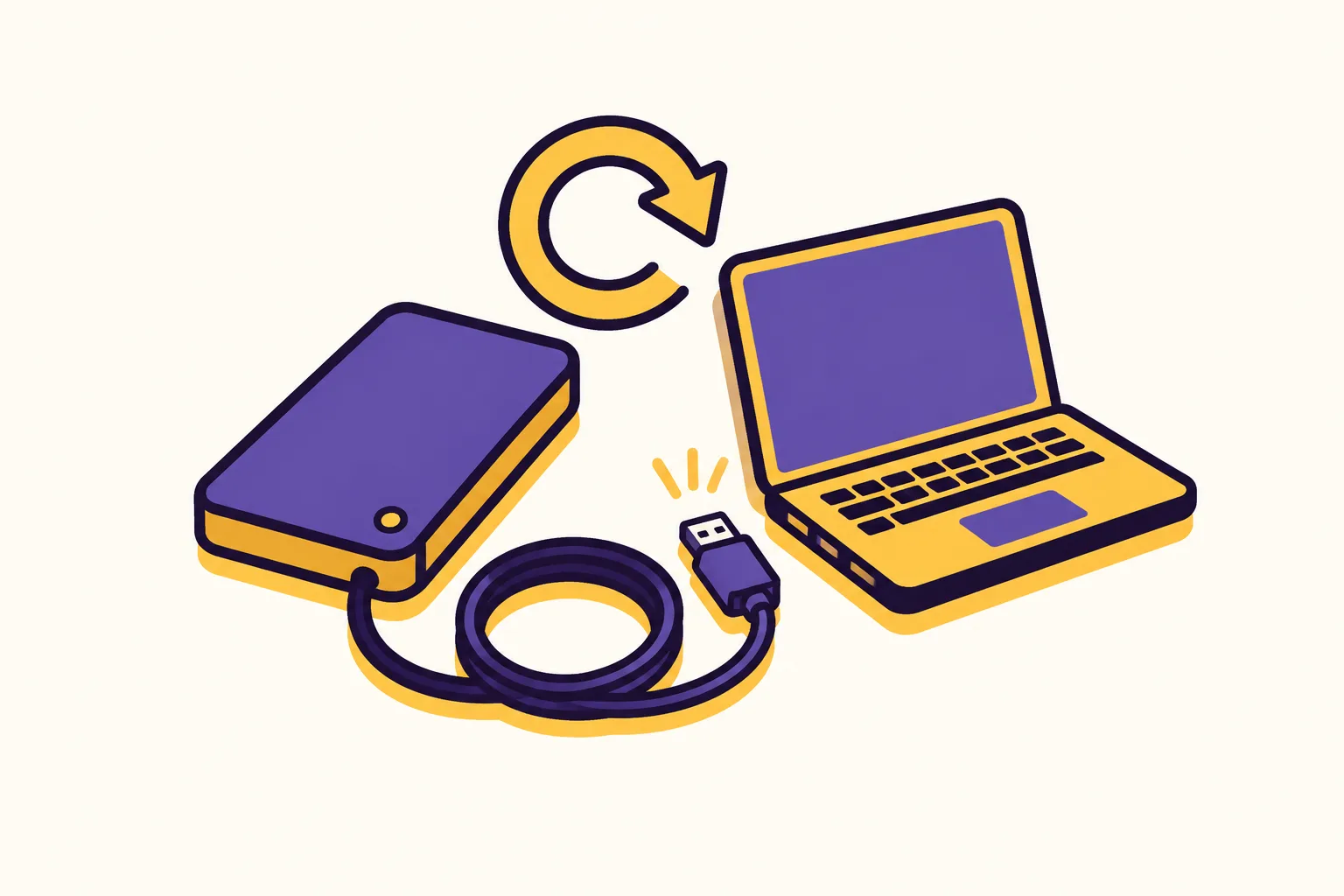
The French authorities recommend not paying. Nothing guarantees that the files will be returned, or that stolen data will not be published, and the payment directly funds further attacks. The right answer is prepared beforehand: a recent, disconnected and tested backup.

How long does it take to apply what is taught?

The course takes about an hour and a quarter. The final action plan holds five actions, three of which can be done the same day: switching on a second factor on your email, installing pending updates and checking that a recent backup exists and can be restored.

What can I read without a subscription?

The first four slides of every course are available without an account and without a subscription, as is the Beginner level quiz. From the fifth slide onwards, the €29.99/month incl. VAT subscription is required. Creating a free account unlocks no extra slide: it keeps your progress, your job and your results.

How is my level measured?

By three level quizzes: Beginner (10 questions, 70 % to pass), Intermediate (12 questions, 75 %) and Expert (15 questions, 80 %). The level shown is the highest level passed, with the best score obtained and its date.

Who writes and who reviews this course

  • Équipe Skillrung

    Équipe éditoriale de skillrung.com

    L'équipe éditoriale de skillrung rédige les formations à partir des publications des autorités françaises et européennes : ANSSI, CNIL, Cybermalveillance.gouv.fr, Légifrance et EUR-Lex. Chaque affirmation chiffrée est rattachée à sa source primaire, datée et vérifiable depuis la page de la formation. L'équipe ne se substitue pas à un relecteur expert : toute formation destinée à la publication est relue par un professionnel nommé du domaine concerné, dont le nom et la date de relecture figurent sur la fiche de la formation.

Artificial intelligence assisted the drafting and the review. Editorial responsibility for the published text remains human.

Statements with regulatory scope verified on .

Sources

Every figure stated in this course points to a primary source, dated and verifiable.

  1. Rapport d'activité et état de la menace 2025

    Cybermalveillance.gouv.fr, published on

  2. Panorama de la cybermenace 2025

    ANSSI, published on

  3. Mots de passe : une nouvelle recommandation pour maîtriser sa sécurité

    CNIL, published on

  4. Notifier une violation de données personnelles

    CNIL, published on

  5. Les 10 mesures essentielles pour assurer votre cybersécurité

    Cybermalveillance.gouv.fr, published on

  6. Pourquoi et comment bien gérer ses sauvegardes ?

    Cybermalveillance.gouv.fr, published on

  7. Pourquoi et comment bien gérer ses mises à jour ?

    Cybermalveillance.gouv.fr, published on

  8. Rançongiciel : que faire si votre organisation est victime d'une attaque ?

    Cybermalveillance.gouv.fr, published on

  9. Règlement (UE) 2016/679 relatif à la protection des personnes physiques

    EUR-Lex, published on

  10. Directive (UE) 2022/2555 sur un niveau élevé commun de cybersécurité

    EUR-Lex, published on

What Skillrung is not

  • Skillrung is not a French training body certified under the Qualiopi scheme.
  • As things stand, our content is not eligible for the French CPF, OPCO, DPC or FAF funding schemes.
  • A Skillrung certificate of completion is not a diploma, not a professional title and not a qualification registered in any national register. It records a result obtained in an unsupervised online assessment, on a given date.
  • Taking a Skillrung course does not make your organisation compliant and does not replace the obligations that fall on your employer or on you.
  • Our content is educational. It is neither legal advice, nor medical advice, nor a security audit.
  • For a self-employed professional or a company, the subscription is a deductible business expense : confirm this with your accountant.